



Restaurant POS and Kitchen Display Systems: A Complete Implementation Guide
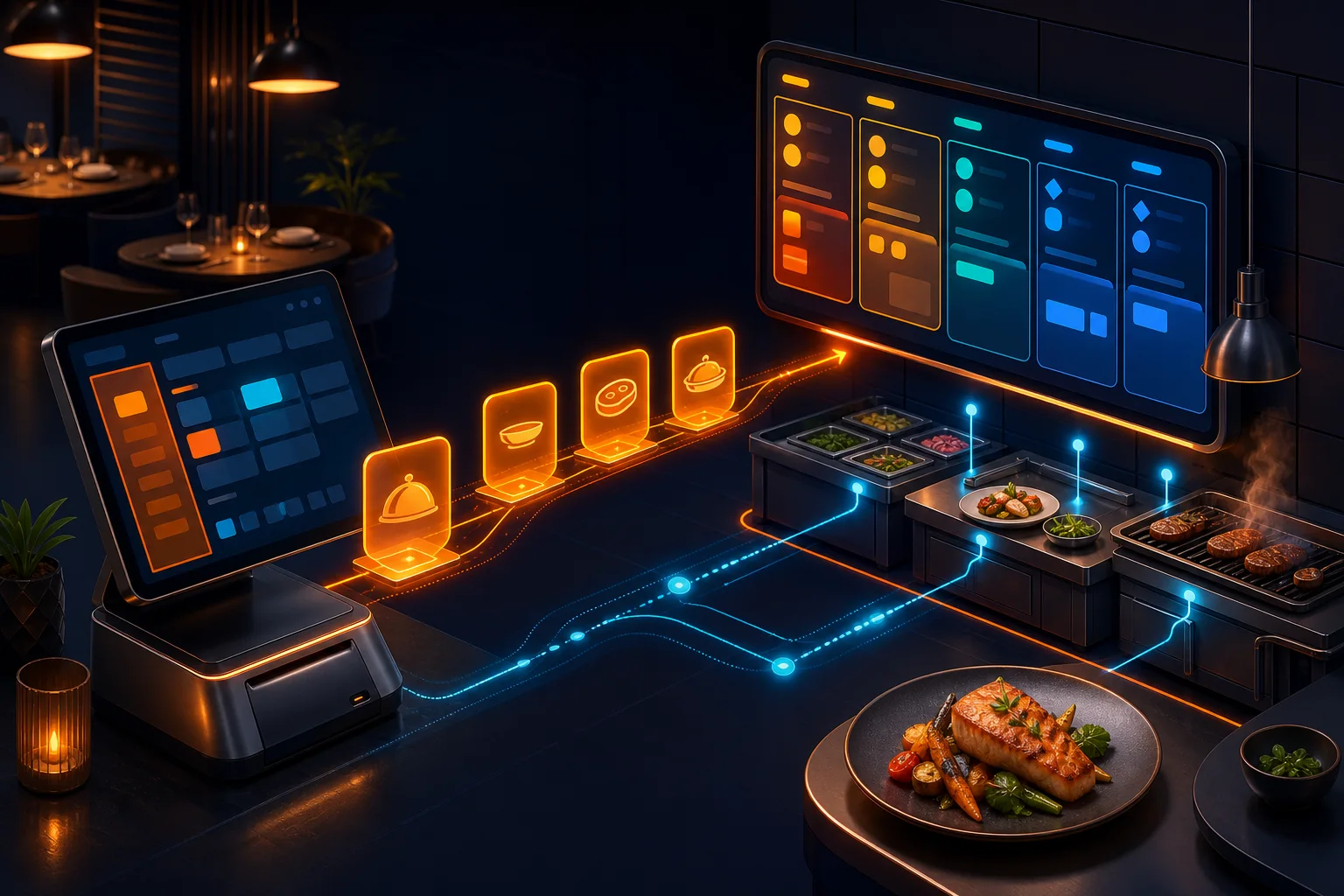
What a restaurant actually needs from a POS and kitchen display system implementation — order routing, ticket timing, and avoiding the kitchen-floor disconnect.
Restaurant technology has a specific failure mode that retail POS doesn't: the gap between what the front-of-house system says and what's actually happening in the kitchen. A restaurant POS implementation succeeds or fails on how well it closes that gap — not on how many payment methods it supports.
Why paper tickets are still the default at most restaurants
Paper kitchen tickets survive because they're simple and never crash — but they also get lost, smudged, and provide zero visibility into how long an order has actually been waiting. A Kitchen Display System replaces paper with live, timed digital tickets chefs can action with a tap, giving management real prep-time data paper never could.
Order routing is the implementation detail that matters most
A well-configured KDS routes items to the correct station automatically — grill items to the grill screen, drinks to the bar screen — rather than showing every station the entire order. Getting this routing logic wrong at implementation is the single most common cause of restaurant staff abandoning a new KDS and going back to shouting orders across the kitchen.
Table management and bill splitting have to be genuinely fast
For dine-in service, the POS has to handle table status, order-to-table linking and bill splitting fast enough that servers actually use it during a rush rather than falling back to a paper pad. We test implementations specifically under peak-hour transaction volume, not just in a quiet demo environment.
Delivery and aggregator integration without a second screen
Restaurants running Foodpanda or similar aggregators alongside dine-in traffic need those orders flowing into the same kitchen queue as walk-in orders — a separate tablet for every delivery platform is how kitchens miss orders during a rush. Proper implementation consolidates every channel into one ticket queue.
Frequently asked questions
Do kitchen display systems work for small restaurants, or only large chains?
KDS setups scale down well — even a single-station kitchen benefits from live, timed digital tickets over paper, and the operational data (average prep time, order volume by hour) is valuable at any restaurant size, not just multi-branch chains.
Can a restaurant POS handle both dine-in and delivery aggregators in one system?
Yes, and it should — routing every channel into one consolidated kitchen queue, rather than running a separate tablet per delivery platform, is exactly what prevents missed orders during a rush. This is one of the most common gaps we find when auditing existing restaurant tech stacks.
The WebSool take
NOA POS (Foods) was purpose-built for exactly this — live kitchen display with correct station routing, fast table management, and consolidated delivery aggregator orders in one queue. If your kitchen and front-of-house still don't talk to each other properly, that's the problem we solve.