



Deploying a Cloud POS System: On-Premise vs Cloud, Which Wins?
A clear-eyed comparison of on-premise and cloud POS deployment — cost, reliability, multi-branch visibility, and when on-premise still makes sense.
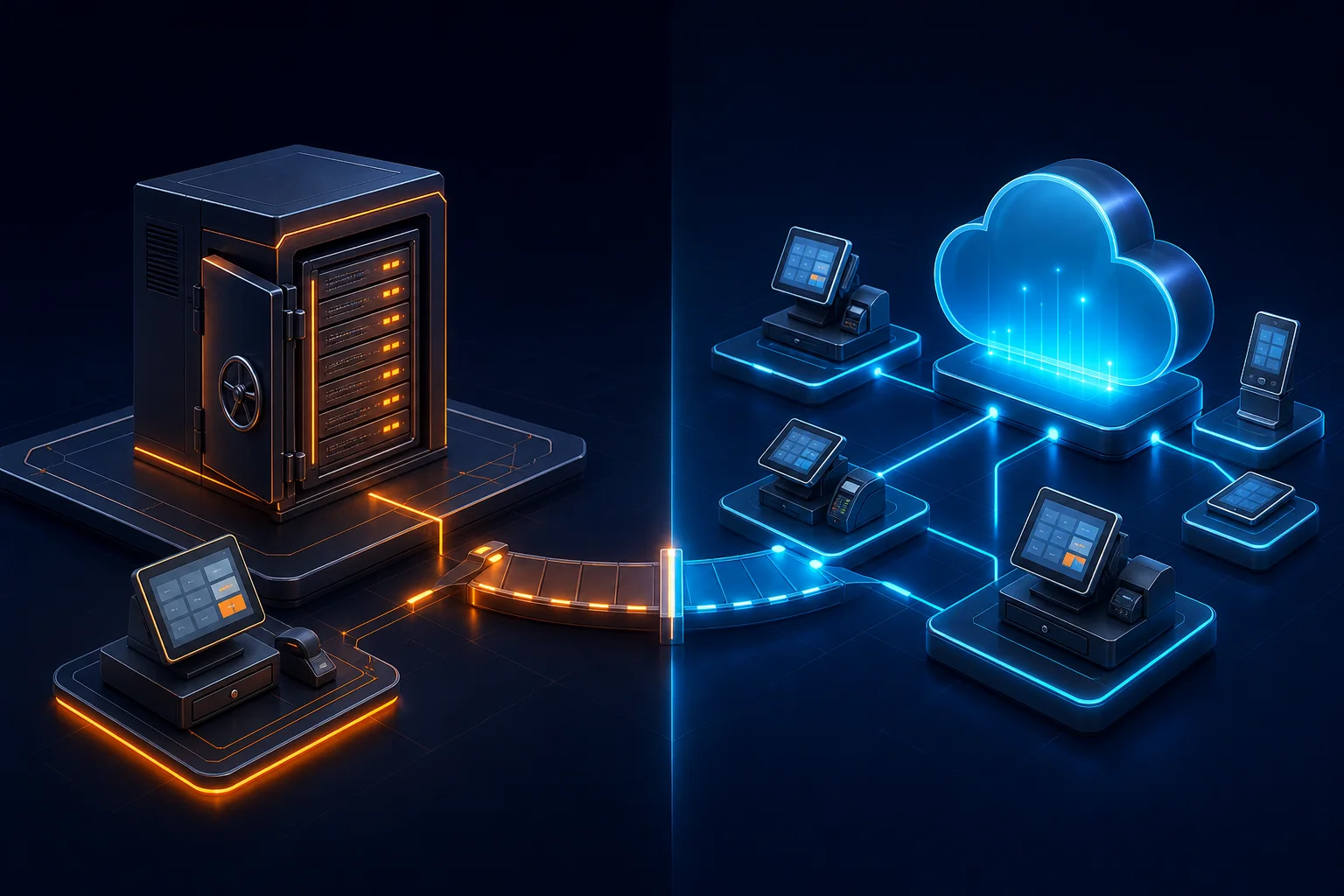
The POS conversation used to be simple: on-premise was reliable but rigid, cloud was flexible but risky if your internet dropped. That trade-off has mostly disappeared as cloud POS systems have matured to handle offline operation gracefully — but "cloud vs on-premise" is still a real decision with real trade-offs depending on your business size and connectivity environment.
What "cloud POS" actually means in 2026
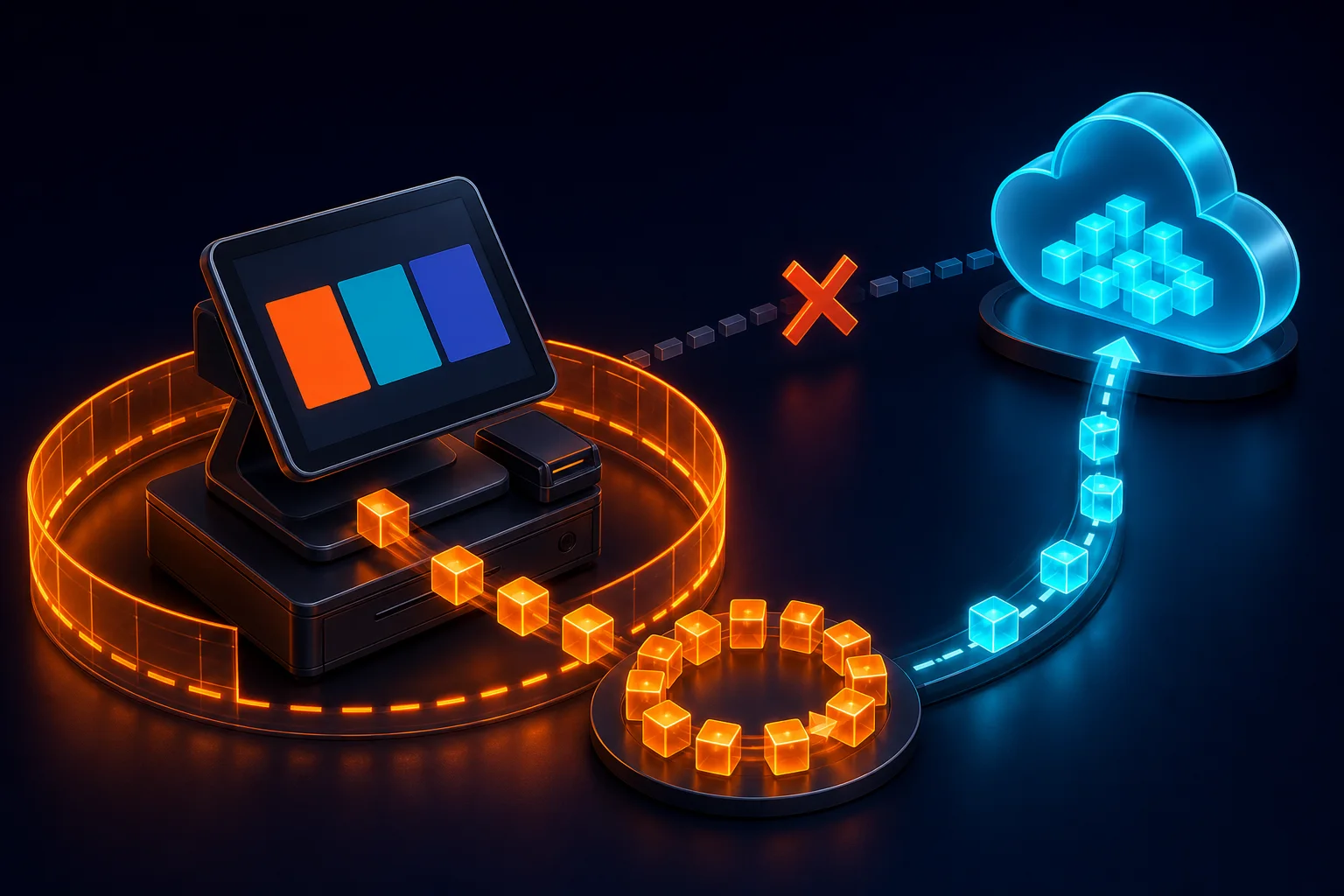
A properly built cloud POS doesn't mean the till stops working when the internet drops — it means the system of record lives in the cloud while the local terminal caches enough data to keep billing during an outage, syncing automatically the moment connectivity returns. This offline-first architecture is what makes cloud POS viable for markets with less consistent internet infrastructure.
Where cloud POS clearly wins
For any business with more than one location, cloud POS gives head office a real-time, unified view of sales, stock and staff performance across every branch — something on-premise systems can only approximate with nightly batch exports. Software updates, new feature rollouts, and bug fixes also deploy centrally without visiting every till in person.
Where on-premise still makes sense
For a single-location business in an area with genuinely unreliable power and internet, and no near-term plan to open additional branches, a simple on-premise system with local backups can still be the pragmatic choice — the operational complexity of cloud infrastructure isn't worth it if multi-branch visibility isn't a business need.
What to actually test before choosing
Whichever direction you lean, insist on testing the offline behaviour before committing — pull the internet cable mid-transaction during a vendor demo and see what actually happens. Vendors who are confident in their offline handling will let you do exactly that.
Frequently asked questions
Does a cloud POS system stop working if the internet goes down?
A properly built offline-first cloud POS should keep billing fully functional during an outage, caching transactions locally and syncing once connectivity returns. Always test this specifically before buying — some vendors market "cloud POS" but only mean the reporting dashboard is cloud-hosted, not the checkout itself.
How much does a cloud POS system typically cost compared to on-premise?
Cloud POS is usually priced as a monthly subscription per terminal or branch, while on-premise is typically a larger upfront licence cost with lower ongoing fees. Over a three-to-five-year horizon the total cost is often comparable — the real differentiator is multi-branch visibility and update convenience, not price alone.
The WebSool take
NOA POS & RMS is built offline-first — full billing continues during an outage, syncing automatically on reconnect, with real-time multi-branch visibility for head office. If you're weighing cloud against on-premise, we're happy to show you exactly how the offline mode behaves.