




Biometric Attendance Management System: A Complete Buyer's Guide for 2026
What to actually evaluate when buying a biometric attendance management system — device compatibility, geo-fencing, payroll integration and total cost of ownership.
Attendance management sounds like a solved problem until you're the HR manager reconciling three spreadsheets, a biometric device export, and a WhatsApp group full of late-arrival excuses at month end. A proper attendance management system removes that reconciliation entirely — but the market is full of options that look similar on a sales call and behave very differently in production.
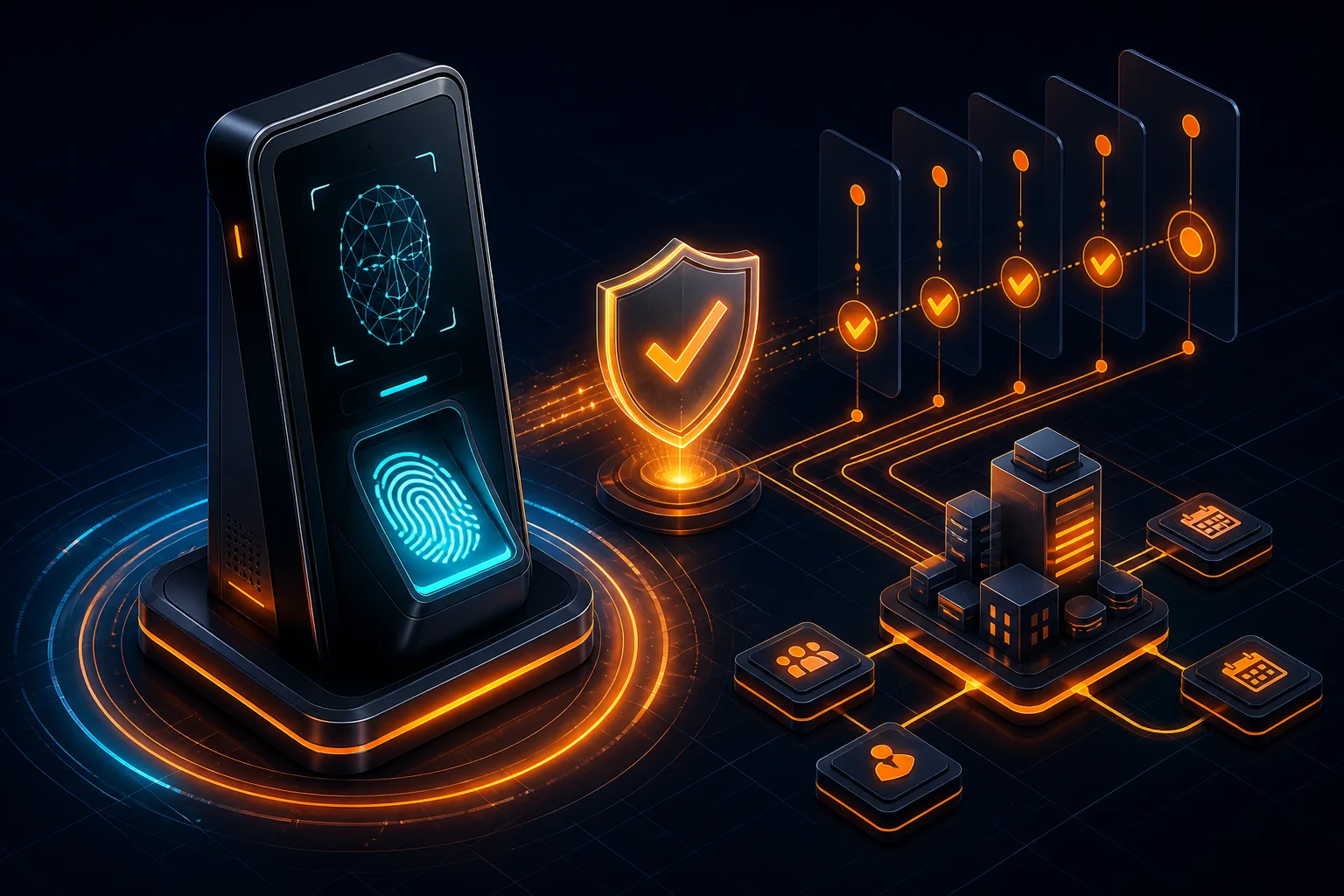
Biometric hardware compatibility is non-negotiable
Most attendance systems claim "biometric support" but only integrate with one or two device brands. Before buying, confirm the system natively supports your existing hardware — ZKTeco, Suprema and Hikvision cover the vast majority of installed biometric devices across Pakistan and the Gulf, and a system that can't pull punches from your current devices means a costly hardware replacement on top of the software cost.
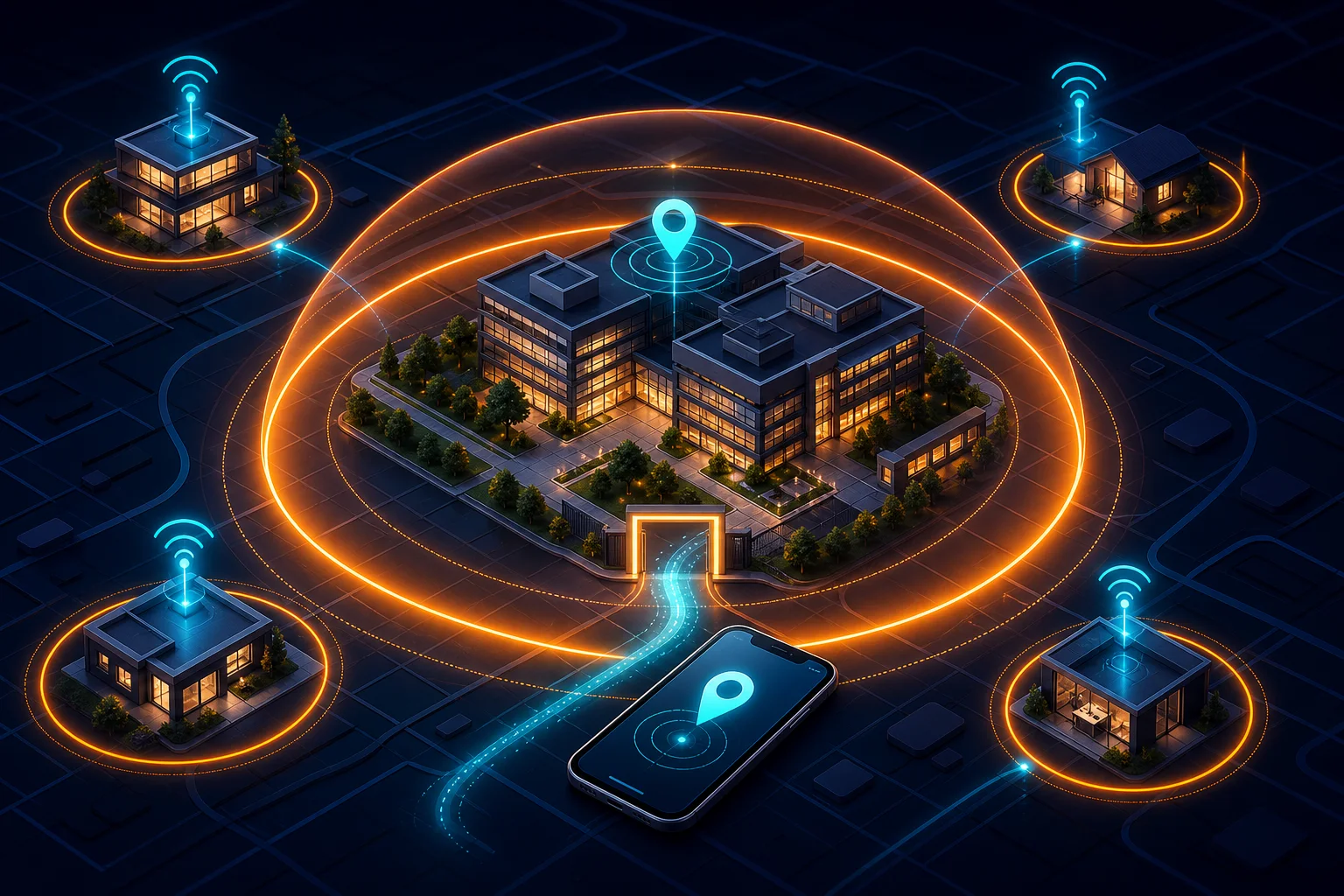
Geo-fencing matters more than most buyers realise
For any team with field staff, sales reps, or multiple branches, biometric devices alone don't cover the workforce. GPS geo-fencing lets employees check in from a mobile app only within a defined radius of an approved location — this is the difference between an attendance system that only works at head office and one that works for your whole company.
Payroll integration is where the real ROI lives
An attendance system that doesn't export cleanly into payroll just moves the manual work downstream instead of eliminating it. Look for systems that calculate overtime, late-arrival deductions and leave balances automatically and hand off a payroll-ready dataset — this is typically where the 60-80% time savings HR teams report actually comes from.
Total cost of ownership beyond the license fee
Cheaper attendance systems often charge separately for each biometric device connection, each branch, or each report export — costs that aren't visible in the initial quote. We recommend asking for a full multi-branch, multi-device pricing breakdown before signing, not just the per-user license fee.
Frequently asked questions
Does an attendance management system work without internet?
A well-built system should — biometric devices typically cache punches locally and sync once connectivity returns, and mobile check-in apps should support offline queuing rather than failing outright during a network drop. Always test this explicitly before buying.
How many biometric devices can one attendance system support?
This depends entirely on the vendor's architecture — cloud-based systems built for multi-branch operations should support unlimited devices across unlimited locations, though some vendors artificially cap this or charge per device connection, so it's worth confirming pricing structure upfront.
The WebSool take
Our Attendance Management System — part of the NOA-HRMS suite — supports biometric, QR and GPS geo-fenced check-in out of the box, with a one-click export straight into payroll. If you're evaluating attendance software, we're happy to walk through exactly how it handles your specific device setup.